https://www.tbray.org/ongoing/When/201x/2018/01/15/Google-is-losing-its-memory
Aus QUIC wird HTTP/3
https://mailarchive.ietf.org/arch/msg/quic/RLRs4nB1lwFCZ_7k0iuz0ZBa35s

The Filesystem Hierarchy Standard (FHS) defines a standard layout to organize various kinds of application and OS related data in a predictable and common way [1].
A basic knowledge of the FHS will help you to find application or OS related data more easily. If you are a developer, it also provides a good orientation for organizing your own applications in a maintainable way, e.g. as ubuntu package.
/bin – essential user commands
/boot – OS boot loader
/dev – devices (everything is a file principle)
/etc – system configuration
/home – user data
/lib – essentail shared libraries
/media – mount point for removable media
/mnt – mount point for temporarily mounted filesystems
/opt – add-on applications
/root – home of root
/run – run time variable data
/sbin – system binaries
/srv – data for services provided by the system
/tmp – temporary data
/proc – is a virtual filesystem
/usr – secondary hierarchy
bin – Most user commands
lib – Libraries
local – Local hierarchy (empty after main installation)
sbin – Non-vital system binaries
share – Architecture-independent data
/var – variable data
cache – Application cache data
lib – Variable state information
local – Variable data for /usr/local
lock – Lock files
log – Log files and directories
opt – Variable data for /opt
run – Data relevant to running processes
spool – Application spool data
tmp -Temporary files preserved between system reboots
What does the .d stand for in directory names?
Is it possible to implement a stopwatch in bash? Here is my try: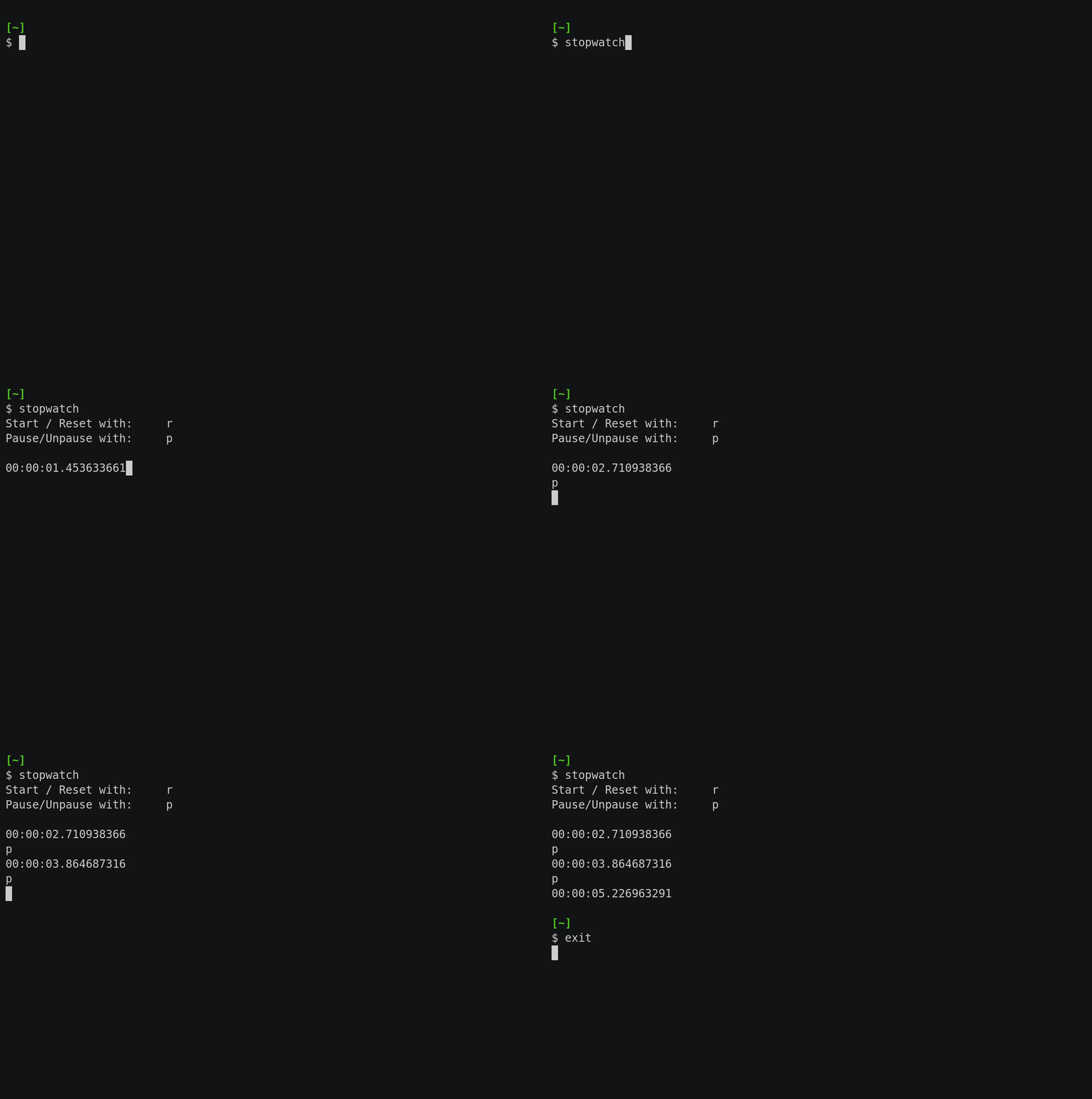
https://github.com/jschnasse/stopwatch/blob/master/stopwatch
The script uses some interesting features like:
read -s -t.1 -n1 c to read exactly one character (-n1) into a variable c only waiting 0.1 seconds for user input.sleep .1 to delay further processing for 0.1 secondssecs=$(printf "%1d\n" ${input: 0 : -9})Create a digit from all but the last 9 characters lead by a zero if string is empty. This is used to separate seconds from a nano seconds.
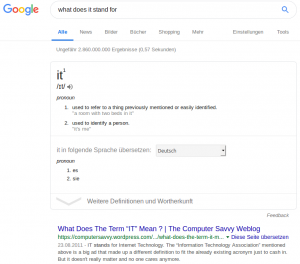
Ah – it is „Internet Technology“. Thank you Google!
Found here: https://sysadmin.simmons.ai/2019/01/it.html
Aus QUIC wird HTTP/3
https://mailarchive.ietf.org/arch/msg/quic/RLRs4nB1lwFCZ_7k0iuz0ZBa35s